The one measurement that causes the most reprints.
Frame opening vs paper size
Buy paper by its paper size; frame it by its opening. The strip in between is what the frame lip covers. Most frames sold as 8×10 have an opening around 7.5×9.5 in portrait — 9.5×7.5 in landscape. Buy paper at the opening size and the finished piece will sit a full size too small.
The right order is: measure the inner edge of the frame first, then choose the paper. The paper has to be larger than the opening, usually by about 0.25 in on each side, so the lip has something to bite. If you want the whole composition to sit inside the opening, you need a wider white margin on the paper.
Buy paper by paper size.
Frame by opening size.
They are not the same number.
Write the opening on a slip of paper and take it to the print shop with the frame. Say “8×10” and the counter will probably cut to paper size; the frame lip will eat the edges of the composition.
5×7, 8×10 and A4
All three are common, but they are not interchangeable. What decides whether a file can print is the ratio of source pixels to printed area, not the DPI number written in the file. Here are the usual roles and the traps.
| Paper | Common use | Watch for |
|---|---|---|
| 5 × 7 in | Small frames, gallery walls | Little margin room; portrait opening often 4.5 × 6.5 in |
| 8 × 10 in | The US standard frame | Cheapest to print; always check the opening |
| A4 | The international standard | Not the same as US Letter (8.5 × 11 in) |
A4 is 210×297 mm, or about 8.27×11.69 in. US Letter is 8.5×11 in. They do not interchange. Read the label on the frame before buying it, and the label on the paper before printing.
Printing this sample with the full image
The samples use a full-image layout centered with a white margin. We have no work-specific safe crop regions, so edge-to-edge crop files are not generated.
Full-image file
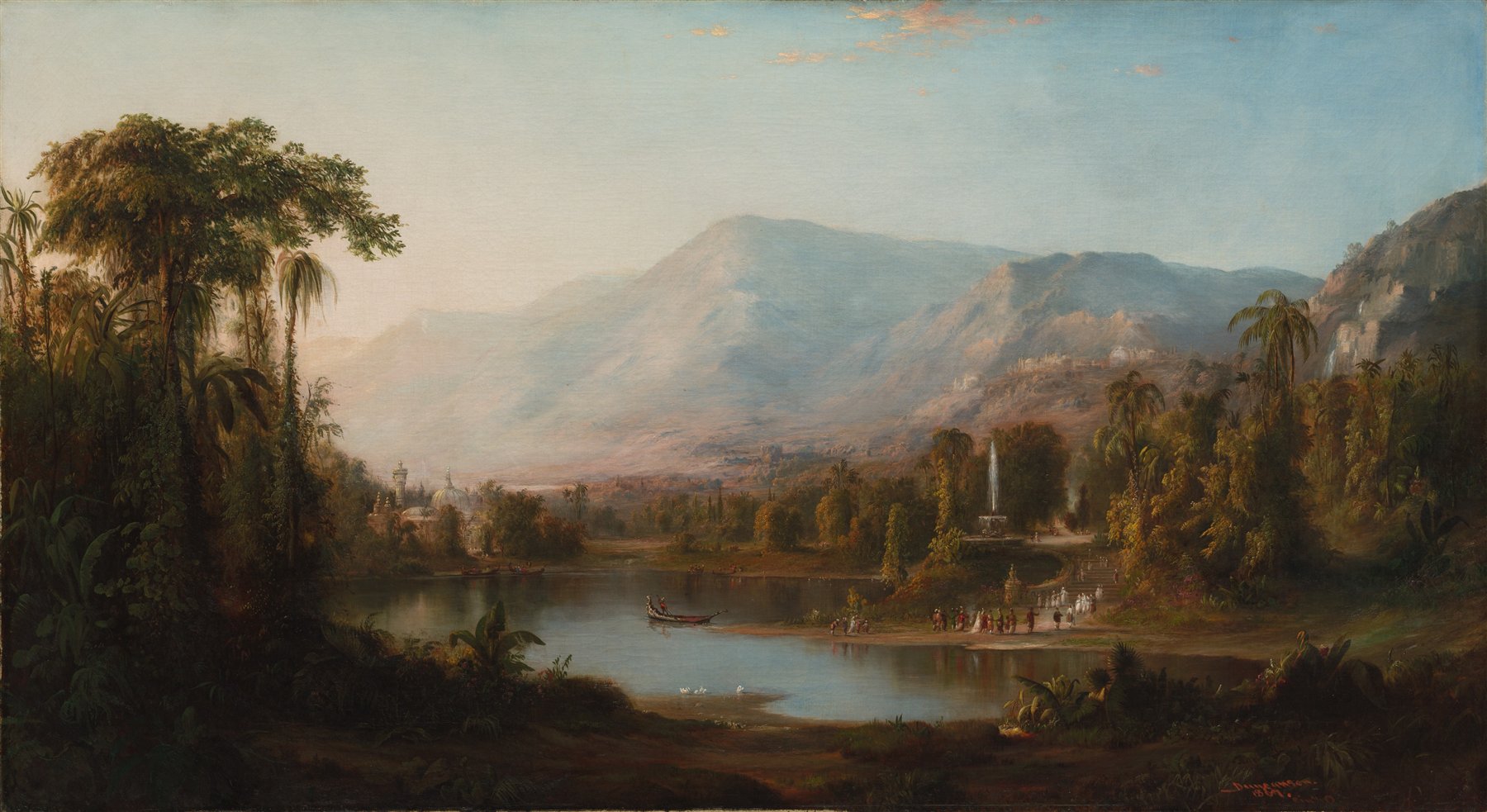
The whole artwork is centered on the paper with a white margin. It is not cropped or enlarged. If the print shop automatically fills the sheet, it may still crop the edges; turn that option off.
Paper margin
The art shrinks, leaving a white border; the whole composition stays visible. A wider margin means a smaller image and higher PPI — but make sure the opening shows art, not just white.
Every downloadable sample uses the full-image white-margin layout. The page estimates effective pixel resolution work by work and does not generate sizes below 240 PPI. This does not confirm physical print or color calibration.
At the print shop
The file can be right and the conversation at the counter can still be wrong. Show the staff these five lines.
- Print at 100%, not “fit to page”.
- Choose matte or satin paper, 200 gsm or heavier.
- Turn off automatic colour correction.
- If they can proof, print one colour strip first.
- Before the full run, check the first sheet with a ruler.
If the shop can only print “fit to page”, go elsewhere or ask for actual-size output. A 2% reduction does not look like much until the frame shows a white edge.